Window rules
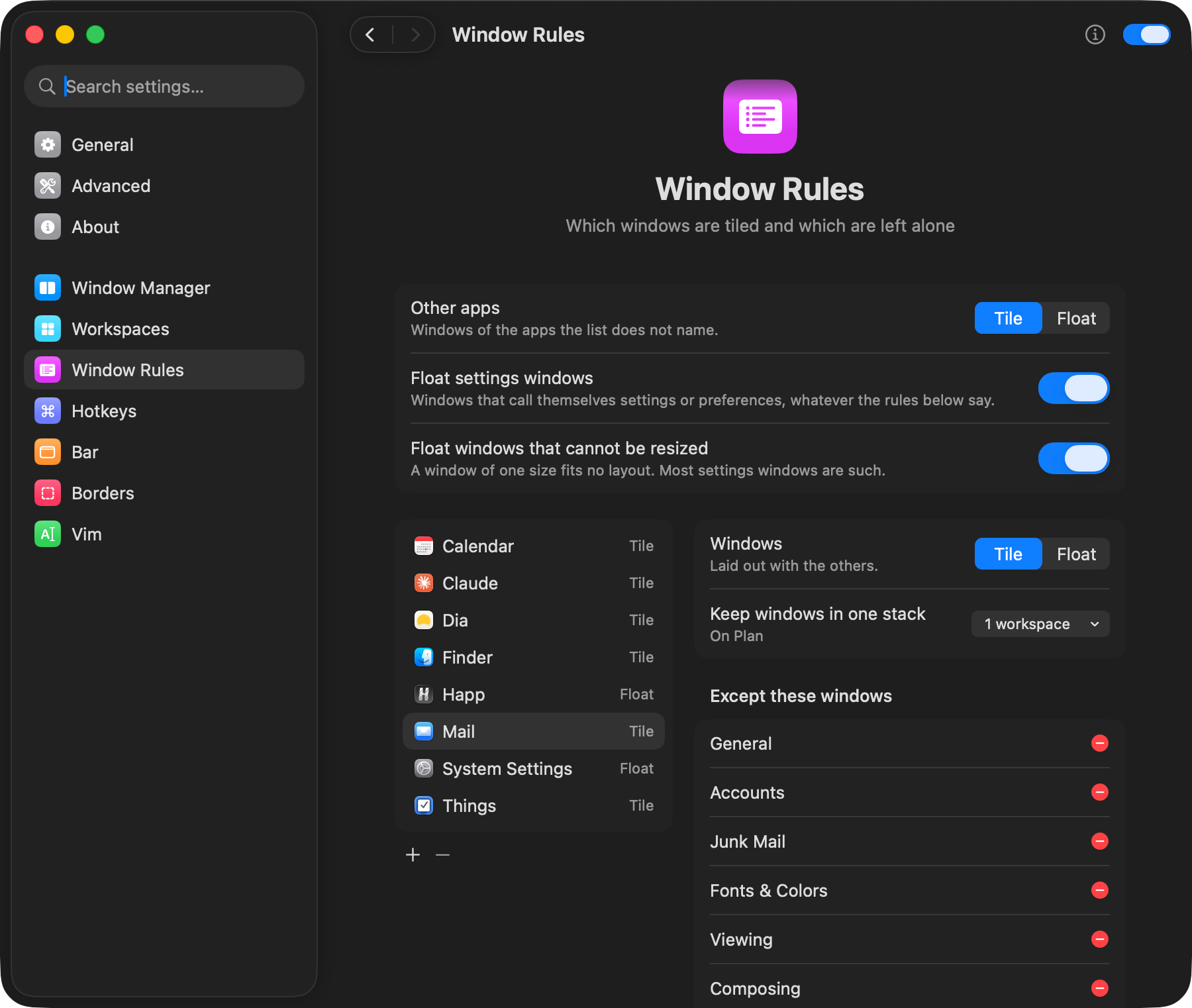
Rules by app, title and window identifier decide what tiles and what floats. Settings windows and windows that cannot be resized float by themselves.

A tiling window manager for macOS
Windows, workspaces, hotkeys and a bar in one app. Set it all up in the settings window or in one kumiko.toml file.
macOS 14 or later

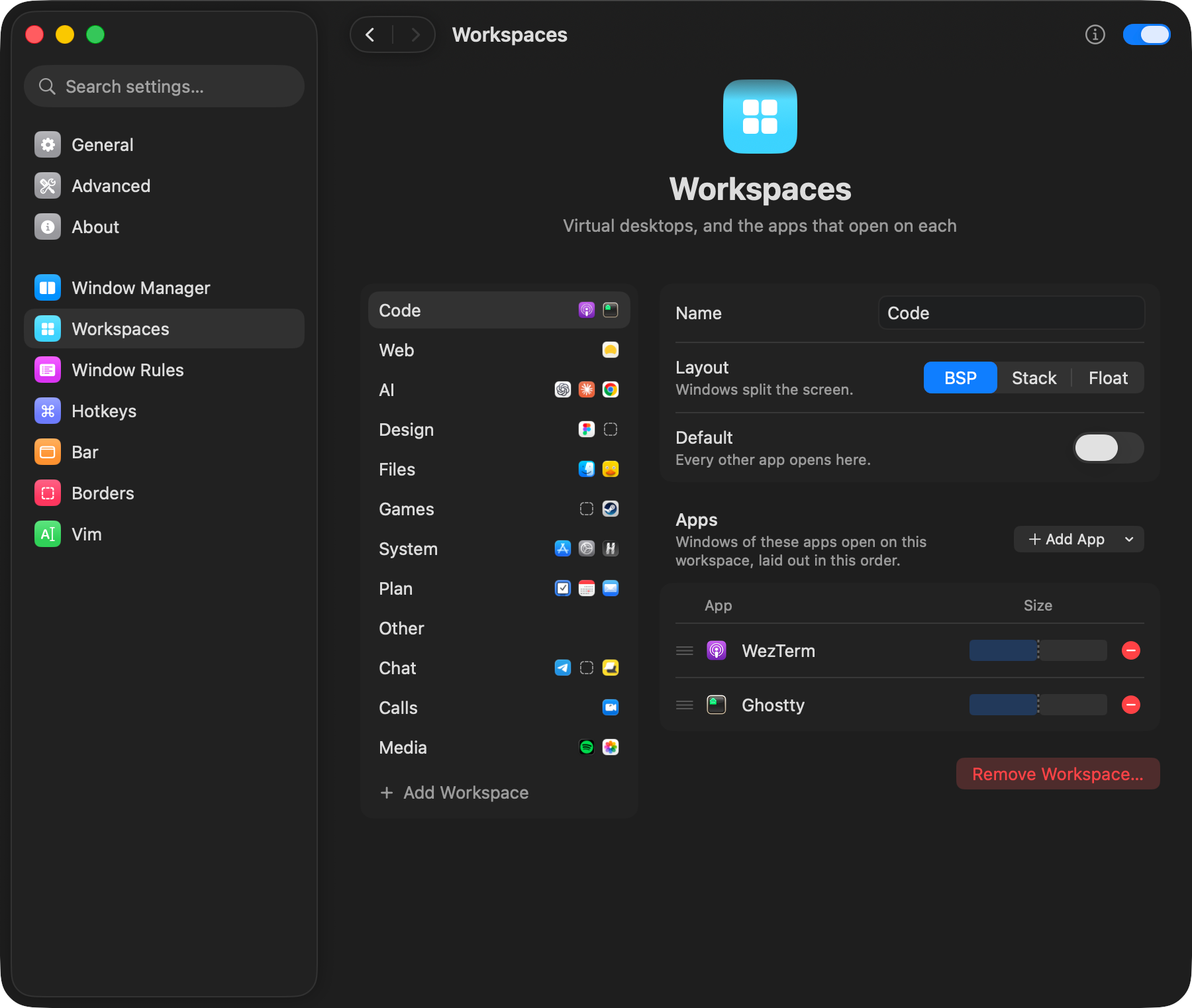
Apps open on their own workspace and line up in the order you list them. A workspace lives on the main or the external display and tiles its windows, stacks them or lets them float.
Rules by app, title and window identifier decide what tiles and what floats. Settings windows and windows that cannot be resized float by themselves.
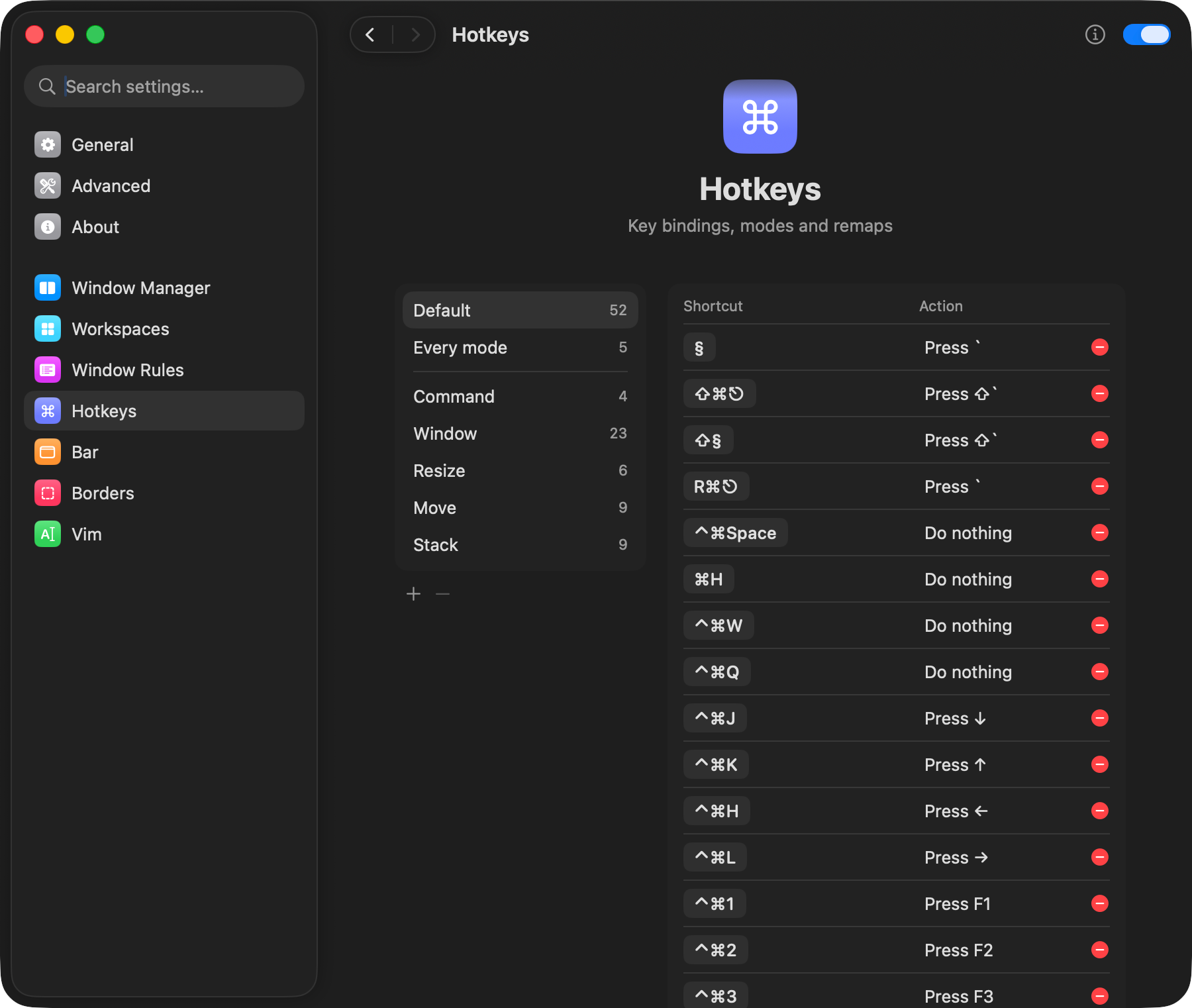
Shortcuts are written the way skhd writes them and stick to key positions, so they work with any input source. There are modes, key remaps and a way to take a system shortcut away.
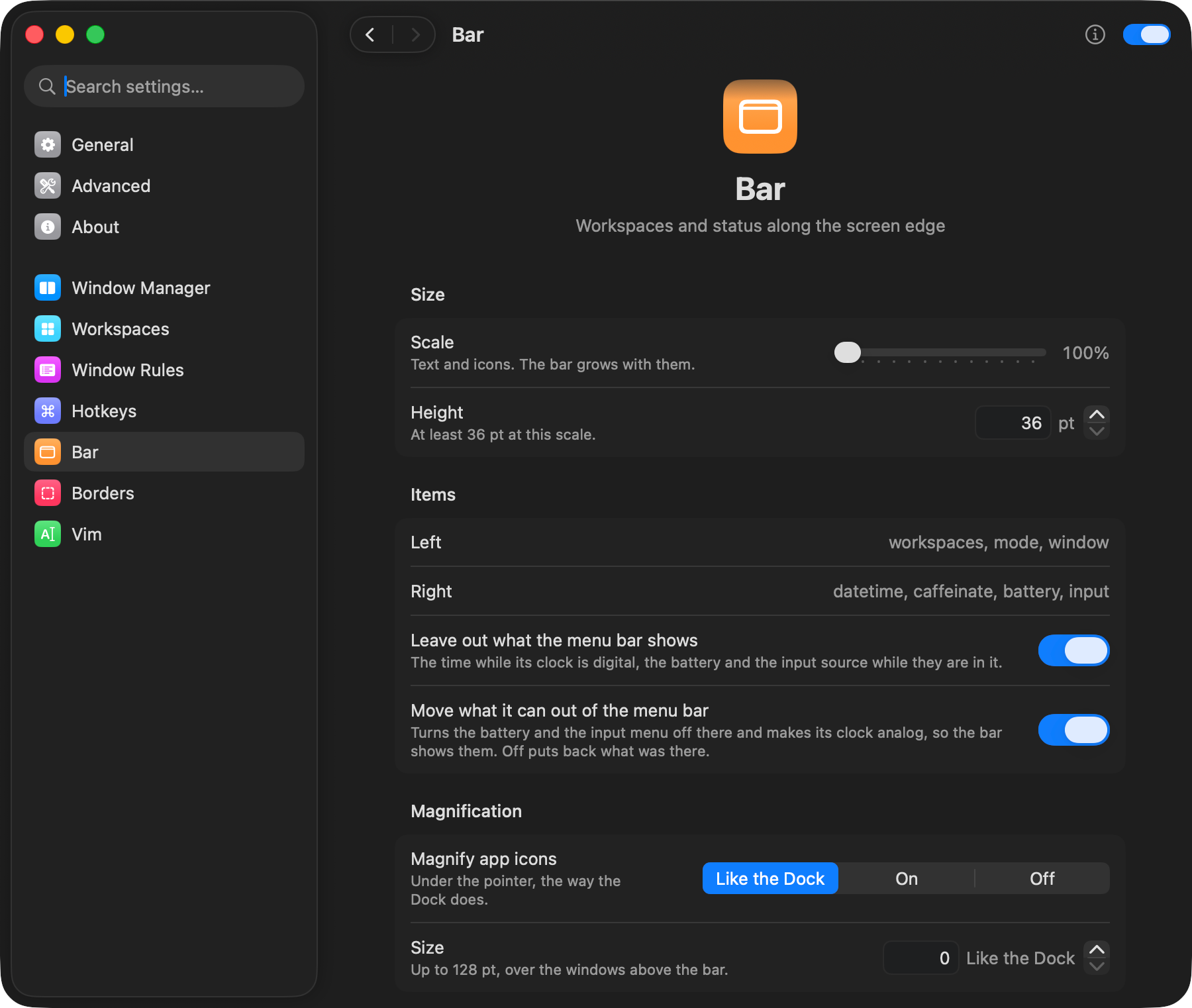
Workspaces with app icons that grow under the pointer the way the Dock does, the time, the battery and the input source. A click on a workspace shows it, on an icon brings up the window.
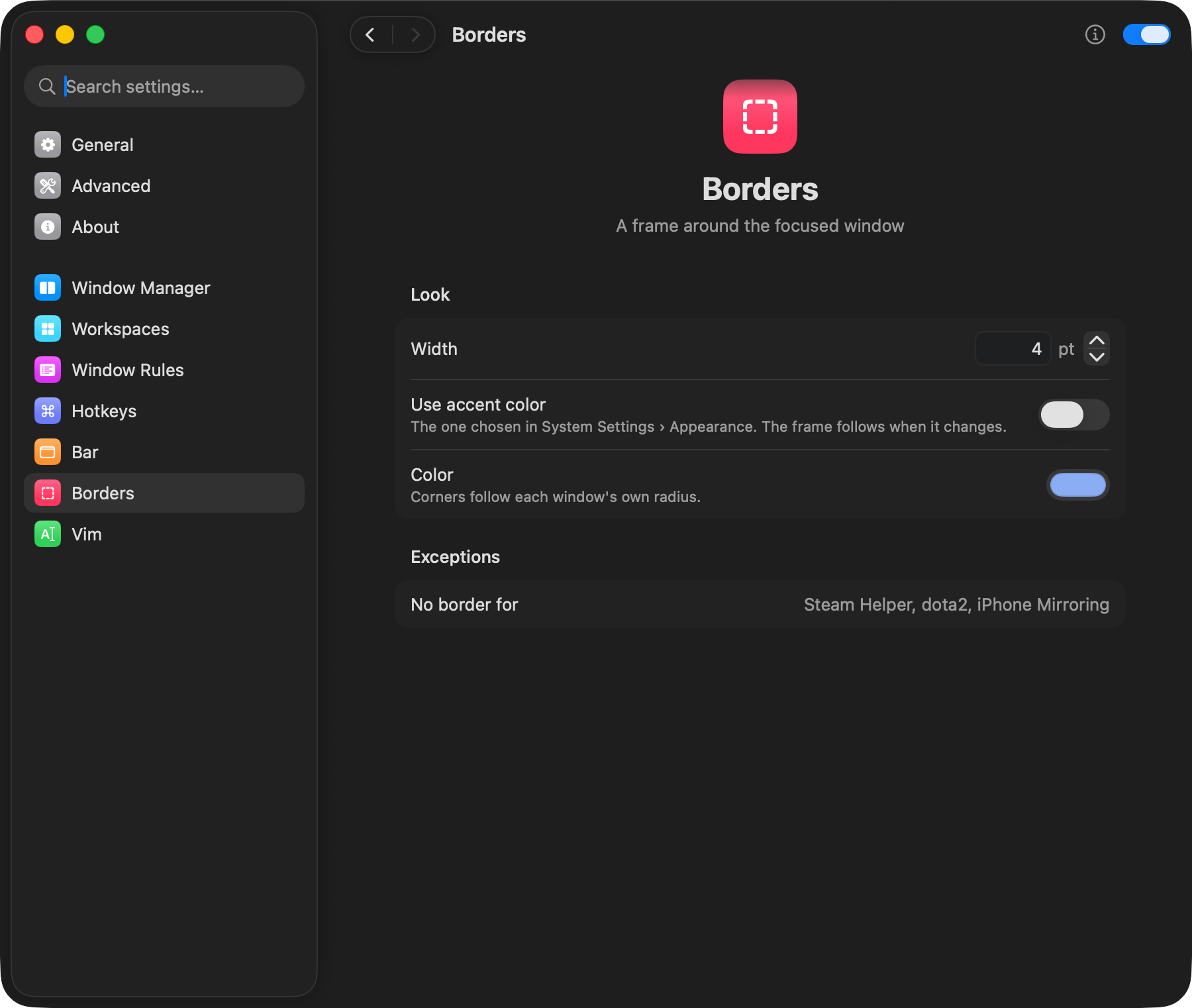
In your accent colour or one of your own. Its corners follow the radius of the window.
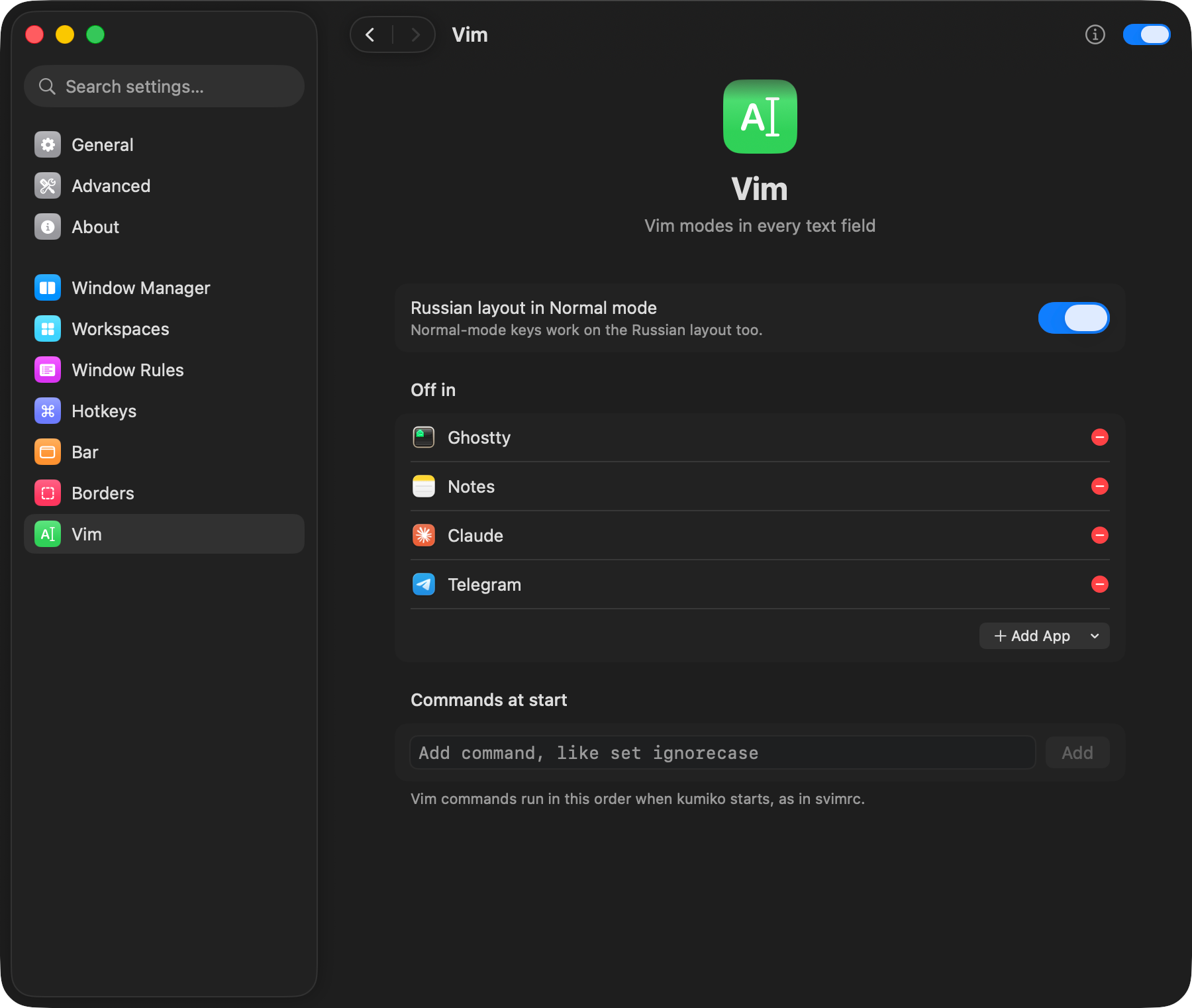
Vim modes in the text fields of any app, on a Russian layout too. Turn them off in terminals and editors that have a Vim of their own.
With Homebrew. The cask also puts the kumiko command on the PATH.
Or download the archive, unzip it and move Kumiko.app to Applications. The app is not notarized yet: try to open it once, then press Open Anyway under Privacy & Security in System Settings.
Kumiko-0.2.0.zip· GitHub Releases
On first launch kumiko asks for Accessibility to arrange windows and Input Monitoring for hotkeys and Vim.
Everything works with SIP on but turning window shadows off and keeping floating windows on top. Those need a scripting addition in Dock, as with yabai.